Streaming technology has changed the way people enjoy entertainment. Instead of traditional cable TV, millions of users now prefer IPTV services because they provide more channels, better flexibility, and affordable pricing.
One of the best combinations today is using IPTV Smarters Pro on Firestick together with LemoTV.
In this complete guide, you will learn:
- How to install IPTV Smarters Pro on Firestick
- How to configure IPTV Smarters
- Why LemoTV is one of the best IPTV providers
- Pricing and features
- Streaming tips for beginners
Table of Contents
Why Use IPTV Smarters Pro on Firestick?
The IPTV Smarters app is one of the most popular IPTV players available today. It offers:
- Fast streaming
- User-friendly design
- Live TV support
- Movies & series
- Multi-screen support
- EPG integration
- External player support
The iptv smarters firestick setup is especially popular because Firestick devices are affordable and powerful.
What Is LemoTV?
LemoTV is an international IPTV service that provides thousands of live TV channels, sports, movies, and VOD content.
LemoTV works perfectly in:
- USA
- UK
- Canada
- Europe
- Middle East
- Worldwide
Users choose LemoTV because of:
- Stable servers
- HD & 4K streaming
- Affordable pricing
- Fast activation
- Worldwide compatibility
- Excellent customer support
LemoTV Pricing
You can check all plans here:
Popular subscriptions include:
- 1 Month Plan
- 3 Month Plan
- 6 Month Plan
- 12 Month Plan
Direct plan pages:
Step-by-Step Guide to Install IPTV Smarters Pro on Firestick
Step 1 – Enable Unknown Sources
Before installing IPTV Smarters Pro, you must enable third-party apps.
Instructions
- Open Firestick Settings
- Go to My Fire TV
- Select Developer Options
- Enable:
- Apps From Unknown Sources
- ADB Debugging
Step 2 – Install Downloader App
Downloader allows you to install APK files on Firestick.
Steps
- Open Amazon App Store
- Search for Downloader
- Install Downloader
- Open the app
Official Downloader website:
Step 3 – Download IPTV Smarters Pro APK
Inside Downloader:
- Enter IPTV Smarters APK URL
- Click Go
- Wait for the download
- Click Install
- Open IPTV Smarters Pro
Official IPTV Smarters website:
Step 4 – Login With LemoTV Credentials
After subscribing to LemoTV, you will receive:
- Username
- Password
- Server URL
Inside IPTV Smarters:
- Select Login with Xtream Codes API
- Enter credentials
- Click Add User
The application will automatically load all channels and VOD content.
Why LemoTV Is a Great IPTV Provider
There are many IPTV services online, but LemoTV offers several advantages.
1. Stable Streaming
LemoTV servers provide smooth streaming with minimal buffering.
2. HD & 4K Quality
Enjoy premium quality on:
- Sports
- Movies
- TV channels
- Live events
3. Worldwide Compatibility
Works perfectly in:
- USA
- Canada
- UK
- Europe
- Worldwide
4. Massive Channel Library
Explore available content here:
5. Free IPTV Trial
Try before buying:
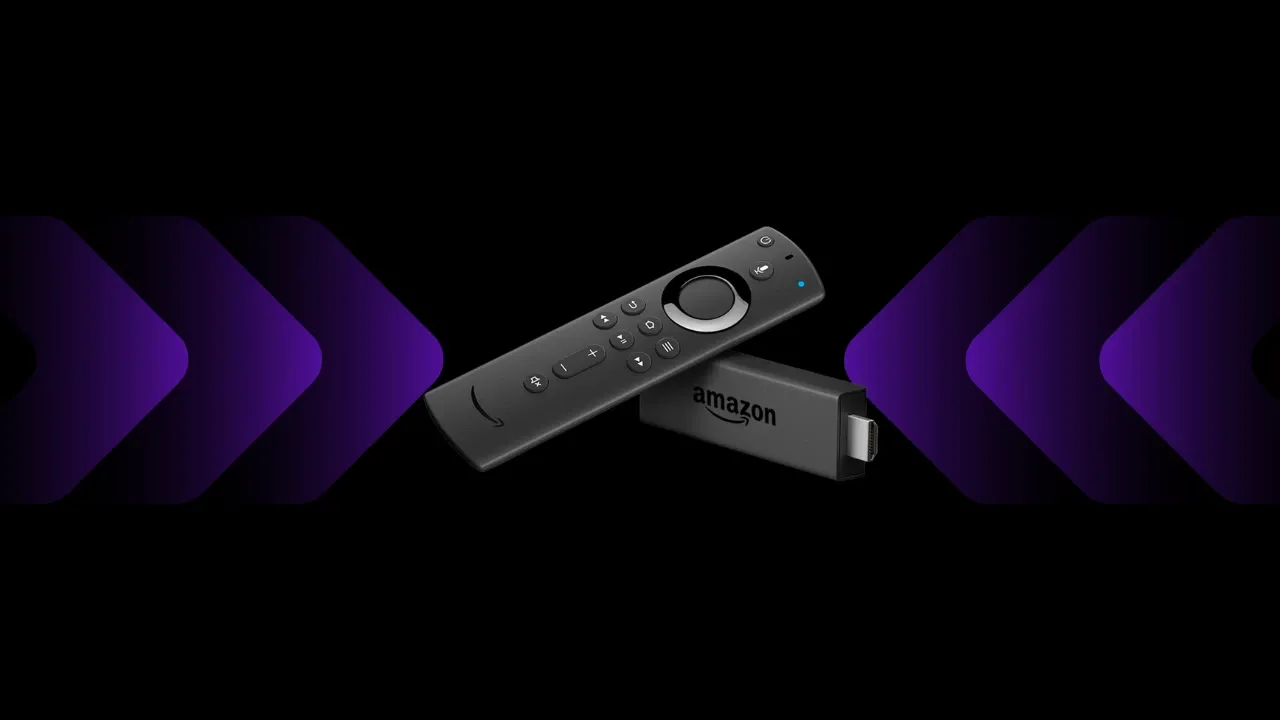
Best Firestick Device for IPTV
For the best streaming experience, many users choose:
- Amazon Fire TV Stick 4K
- Fire TV Stick Lite
- Fire TV Cube
Official Amazon Firestick page:
VPN Recommendation for IPTV Streaming
Using a VPN can improve privacy and streaming stability.
Popular VPN services include:
Frequently Asked Questions
Does IPTV Smarters Pro Work on Firestick?
Yes, IPTV Smarters works perfectly on all Firestick devices.
Is LemoTV Available Worldwide?
Yes, LemoTV works in USA, UK, Canada, Europe, and worldwide.
Does LemoTV Offer a Free Trial?
Yes.
Get it here:
Can I Watch Sports and Movies?
Yes, LemoTV includes:
- Sports channels
- Movies
- TV shows
- International channels
Helpful LemoTV Pages
Final Thoughts
Installing IPTV Smarters Pro on Firestick is simple and beginner-friendly. Combined with LemoTV, users can enjoy premium live TV, movies, sports, and worldwide entertainment at affordable prices.
If you are looking for:
- Reliable IPTV service
- Stable streaming
- HD & 4K quality
- Worldwide compatibility
- Affordable subscriptions
Then LemoTV is one of the best IPTV choices available today.